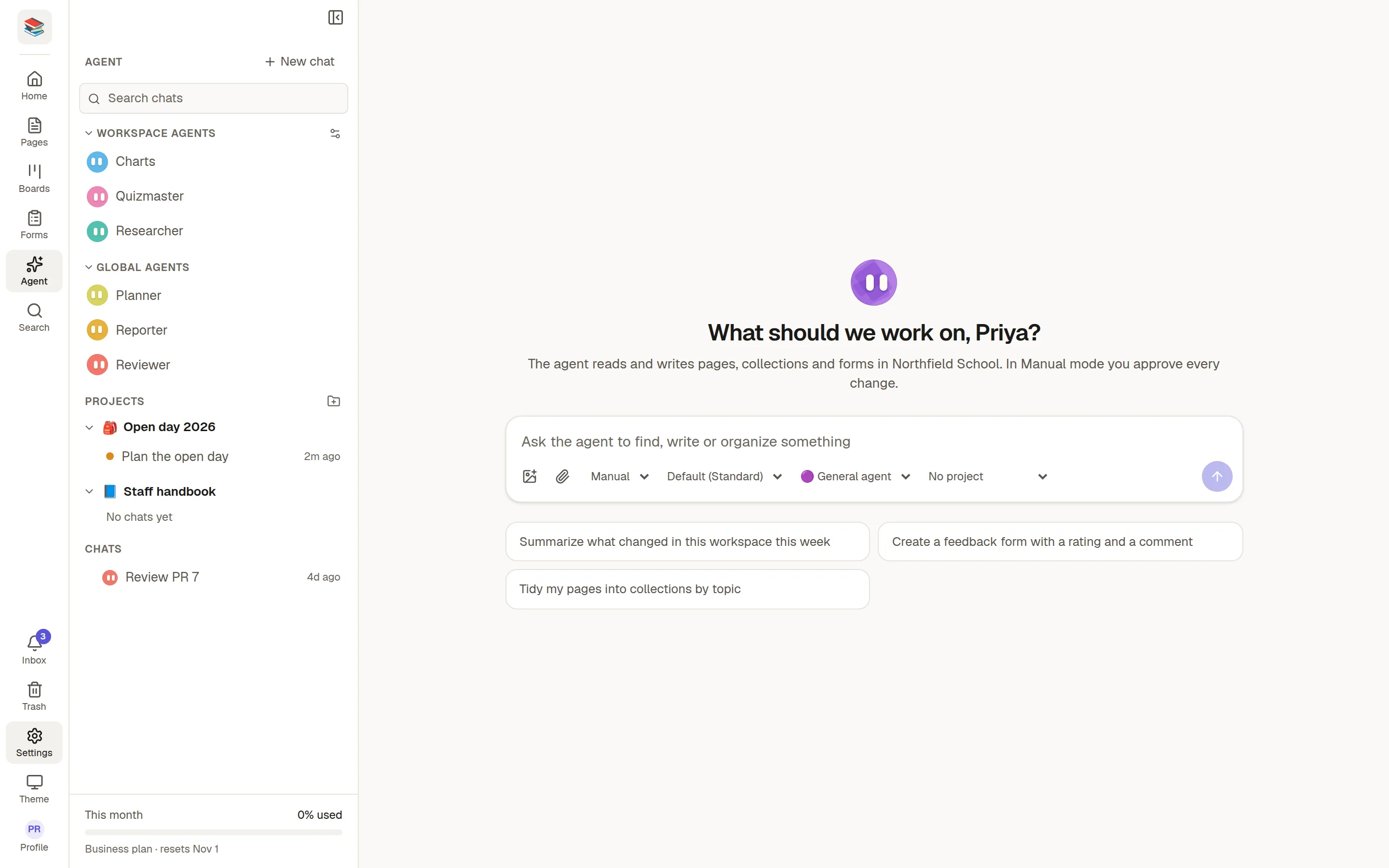
Agent Mode is an assistant that works inside your workspace. Ask it to find, write or tidy up pages, collections, forms, sheets and boards, and it does the work for you.
How it stays safe
It works only in the workspace you opened it in, and only with what you can open yourself.
In Manual mode it asks before it changes anything.
Your administrator sets the models, the rules and a monthly allowance that the whole workspace shares.
The Agent item in the rail appears when your administrator has turned Agent Mode on and your workspace has an allowance. If you do not see it, ask them.
In this section
💬 Chat with Agent Mode: start a conversation.
✅ Approve what the agent does: Manual and Auto.
📁 Projects: instructions that apply to a whole topic.
🗨️ Chat about a page: talk to the agent beside a page.
@ Ask an agent from a page: type @ and let it write into the page.
🧑🔧 Custom agents: agents with a job of their own.