See who is in the workspace, invite more people and change what each person can do.
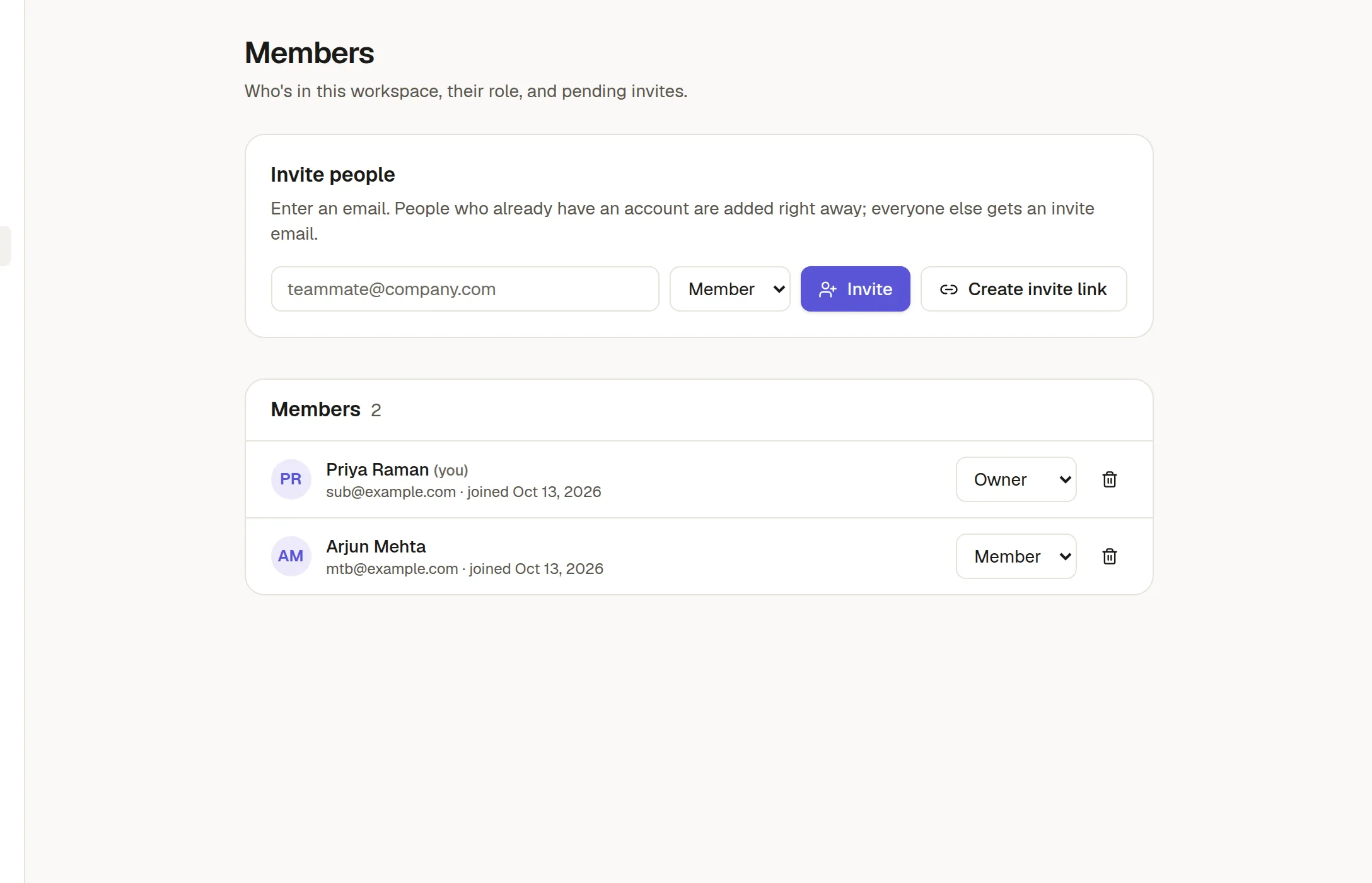
Invite people
Type an email address, choose a role and click Invite. Someone who already has a NoteMaker account is added straight away. Anyone else gets an invitation by email. You can also click Create invite link and send the link yourself. See 👥 Invite your team for the person's side.
Roles
Member works in the workspace: reads, writes and shares what they have access to.
Admin also manages settings and members, and can manage what members created.
Owner has everything an admin has. Only an owner can make someone else an owner.
Change a role from the menu beside a person's name.
Remove someone
Use the trash icon beside their name. A member who owns a board has to hand it over first (Board settings → Overview), so the board does not lose its owner.
Seats
Your plan may limit the number of members. When the workspace is full, invitations are refused until someone leaves or you move to a bigger plan. People waiting on an invitation do not take a seat until they join.