Settings are where owners and admins shape the workspace: who is in it, what fields and agents it has, which tools it connects to, what it pays for and what has been done in it.
Open Settings in the rail. The list on the left has one entry for each page below. Some entries appear only when your plan includes the feature.
Every member can open Usage. Most other pages are for workspace owners and admins.
In this section
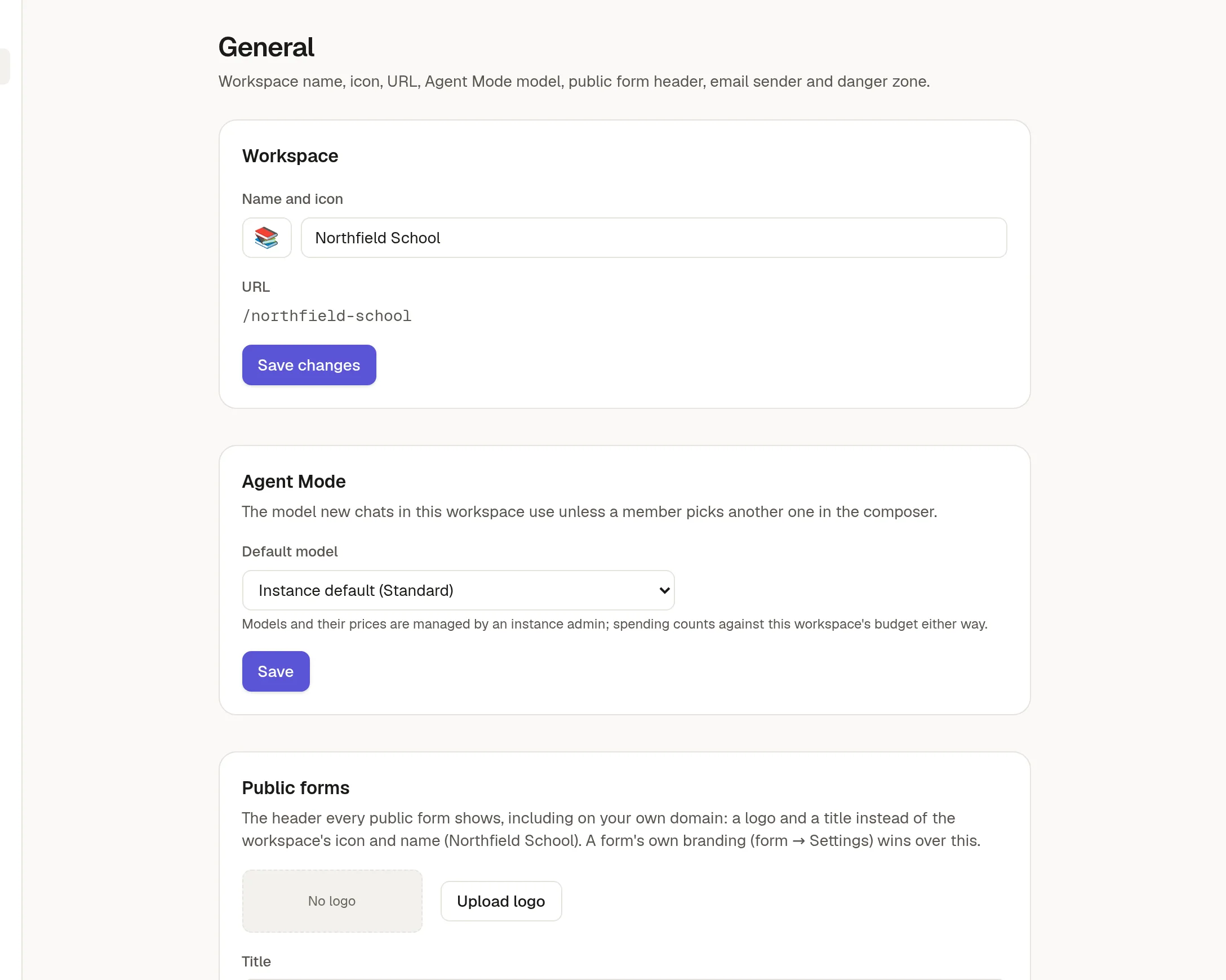
🏠 General settings: name, icon, address, default model and email name.
👥 Members and roles: invite people and set their role.
🏷️ Fields: the properties pages and cards can carry.
🧩 Board templates: starting points for boards.
🧑🔧 Custom agents: agents with their own instructions.
🔧 Connect GitHub and MCP servers: give the agent more tools.
🔑 MCP and API access: use NoteMaker from Claude, Cursor and others.
💳 Billing and plans: your plan, payments and invoices.
📊 Usage and plan limits: what you have used.
📦 Export and import a collection: move whole collections.
🛡️ Audit log: who did what, and when.