Make the form look like it comes from you. A logo and a name replace the workspace's in the header of the public form.
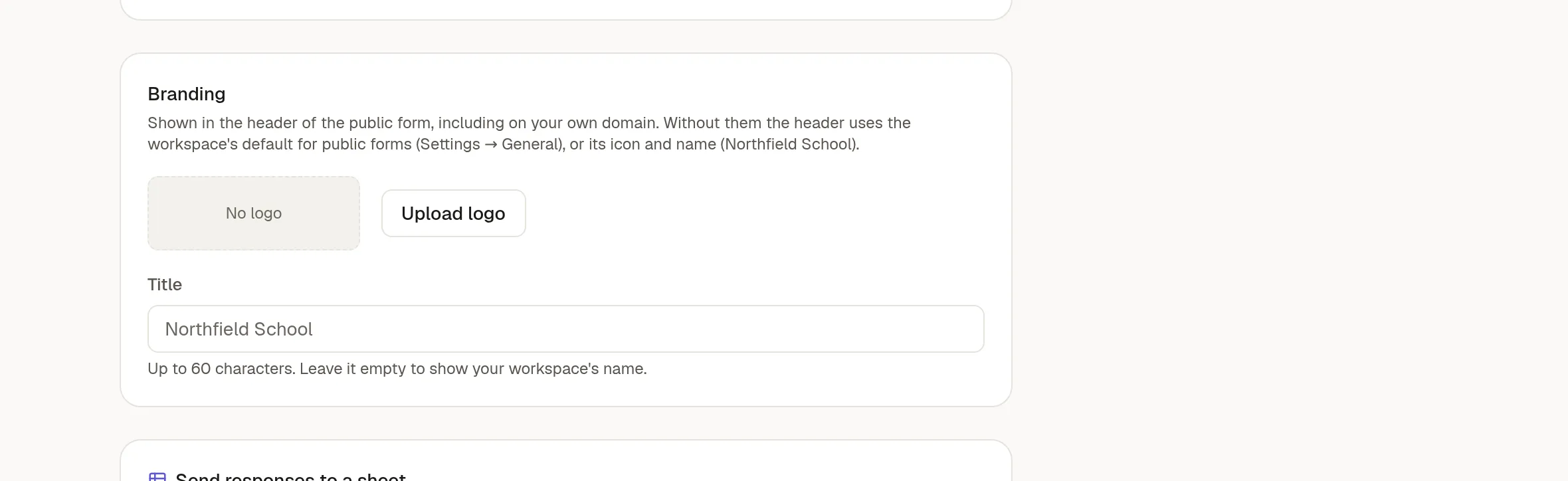
Brand one form
Open the form's Settings tab and find Branding.
Click Upload logo and choose an image.
Type a Title, up to 60 characters.
You can set only the logo or only the title. The logo counts towards your workspace's storage.
The header shows on the form's public page, including on your own domain. It does not show when the form is embedded.
Brand every form
Owners and admins can set a default for all forms under Settings → General → Public forms. A form with its own logo or title uses that instead. A form with neither uses the workspace default, and if there is none, the workspace's icon and name.
Hide "Powered by NoteMaker"
The footer is removed only when your plan includes that option and an owner or admin turns it on in Settings → General.