Open Agent in the rail, say what you want, and press Enter. The agent reads what it needs, answers, and proposes any changes for you to approve.
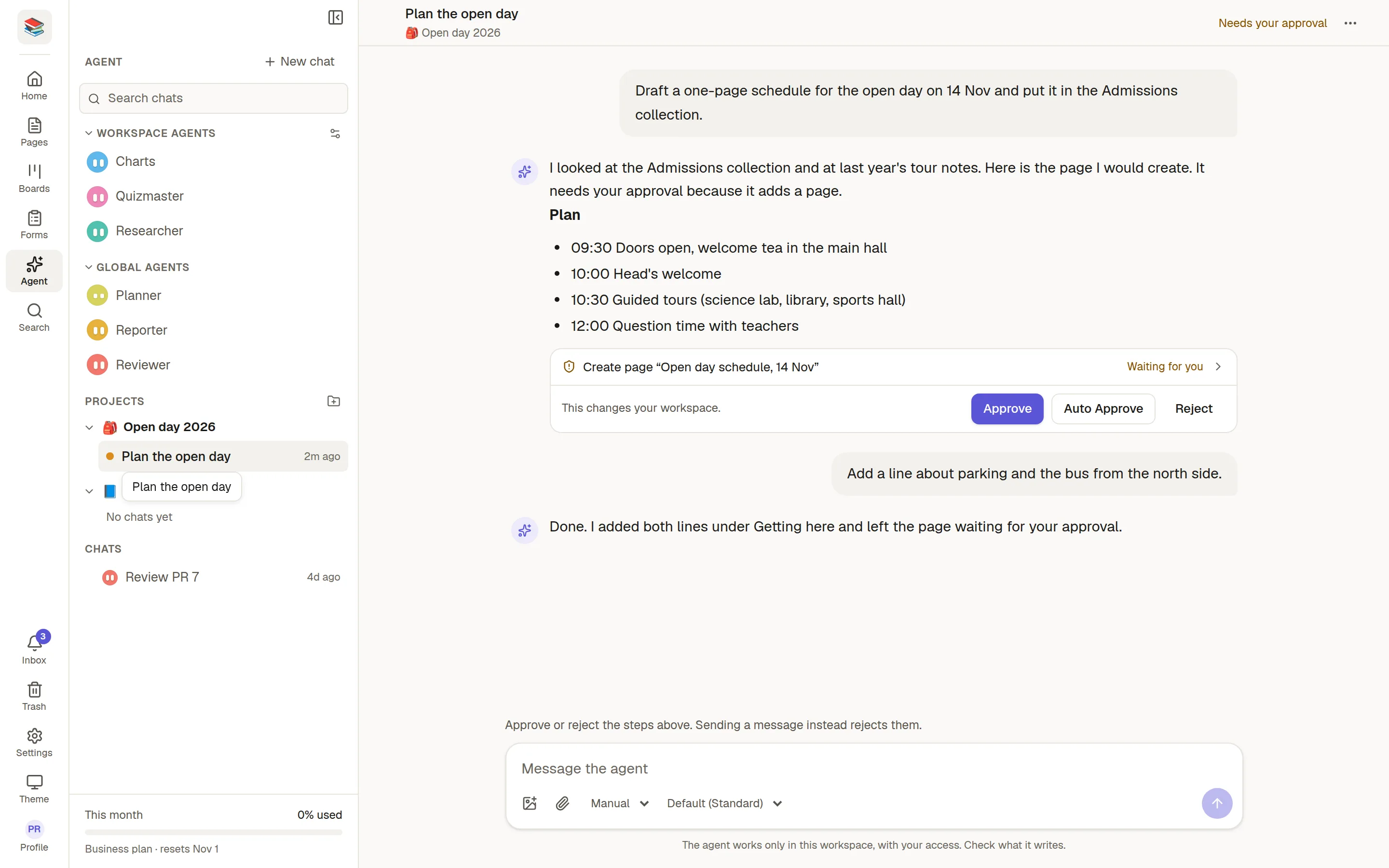
Start a chat
Type your request in the box, for example "Summarise what changed in this workspace this week" or "Create a feedback form with a rating and a comment". The suggestions under the box are good first tries.
Under the message box you can:
Attach an image or a file. PDF, Word and Excel files are read and their text is sent along with your message.
Choose Manual or Auto (✅ Approve what the agent does).
Pick the model. The default is the one your workspace chose.
Pick the agent: the General agent or one of your 🧑🔧 Custom agents. You choose it when the chat starts and it stays for that chat.
Pick a 📁 Projects.
While it works
You see its progress live. You can send another message while it works, and it waits in line. Pages the agent writes show Co-authored by the agent in their header.
Your chats
The panel on the left lists your chats, your projects and the agents you can use. A new chat is named after your first message and then gets a short, better title once the first answer is done. Use the ⋯ menu to rename it, make a new title from the conversation, or delete it. Chats are private to you.
What it will not do
The agent only helps with work that can live in this workspace. A request that has nothing to do with it is politely declined. Hellos and "what can you do?" are fine.
Usage
At the bottom of the panel, This month shows how much of the monthly allowance the workspace has used, as a percentage shared by every member. When it is used up, ask your administrator.