Fields are properties you can add to a page, such as status, owner, due date or deal value. You define them once here and reuse them on any page, card or template.
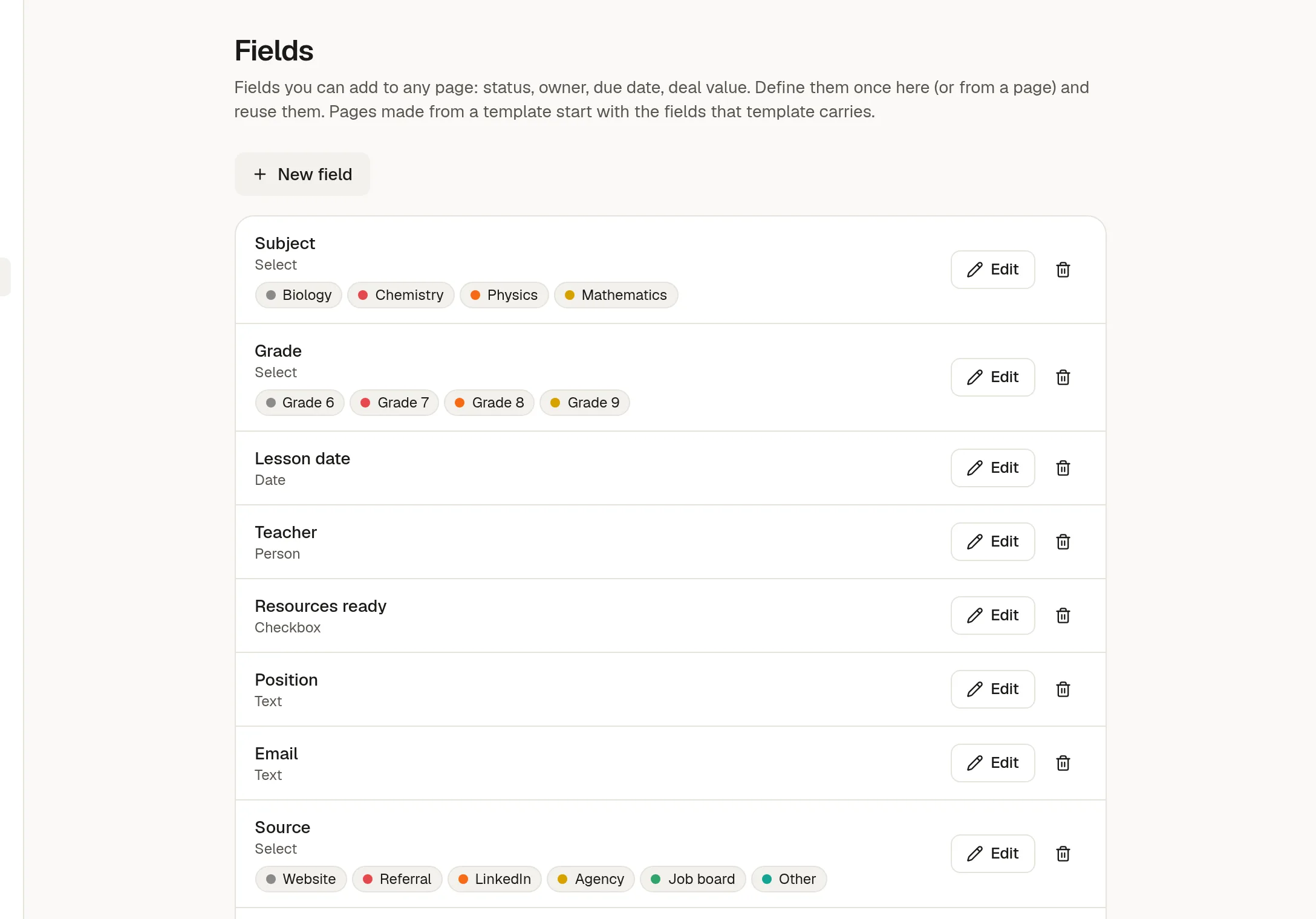
The field library
Click New field, give it a name and a type. The type cannot be changed afterwards.
Text, Number, Date, Checkbox, Link
Select, with options you name and colour, and Multi-select
Person, a member of the workspace
Owners and admins can edit and delete fields here. Anyone who can edit a page can also create a field from the page itself, so a team need not wait for an admin.
Use fields on a page
On a page, click Add field and choose one from the library, or make a new one. A page with fields shows them in a column beside the content. Drag the divider to give them more or less room; your choice is remembered in this browser. The x on a field removes it from that page only.
People editing the same page see each other's changes to fields at once.
Good to know
Select options are stored by identity, so renaming an option updates every page that uses it.
Page templates can carry default values for their fields.
Boards use fields for their cards. See 🎛️ Board settings: states and fields.
Defining a new field needs a plan that includes fields. Values already on pages stay editable if the plan changes.