A board shows work as cards in columns. Each column is a state, such as Applied, Interview or Hired, and each card is a page with fields. Move a card across to change its state.
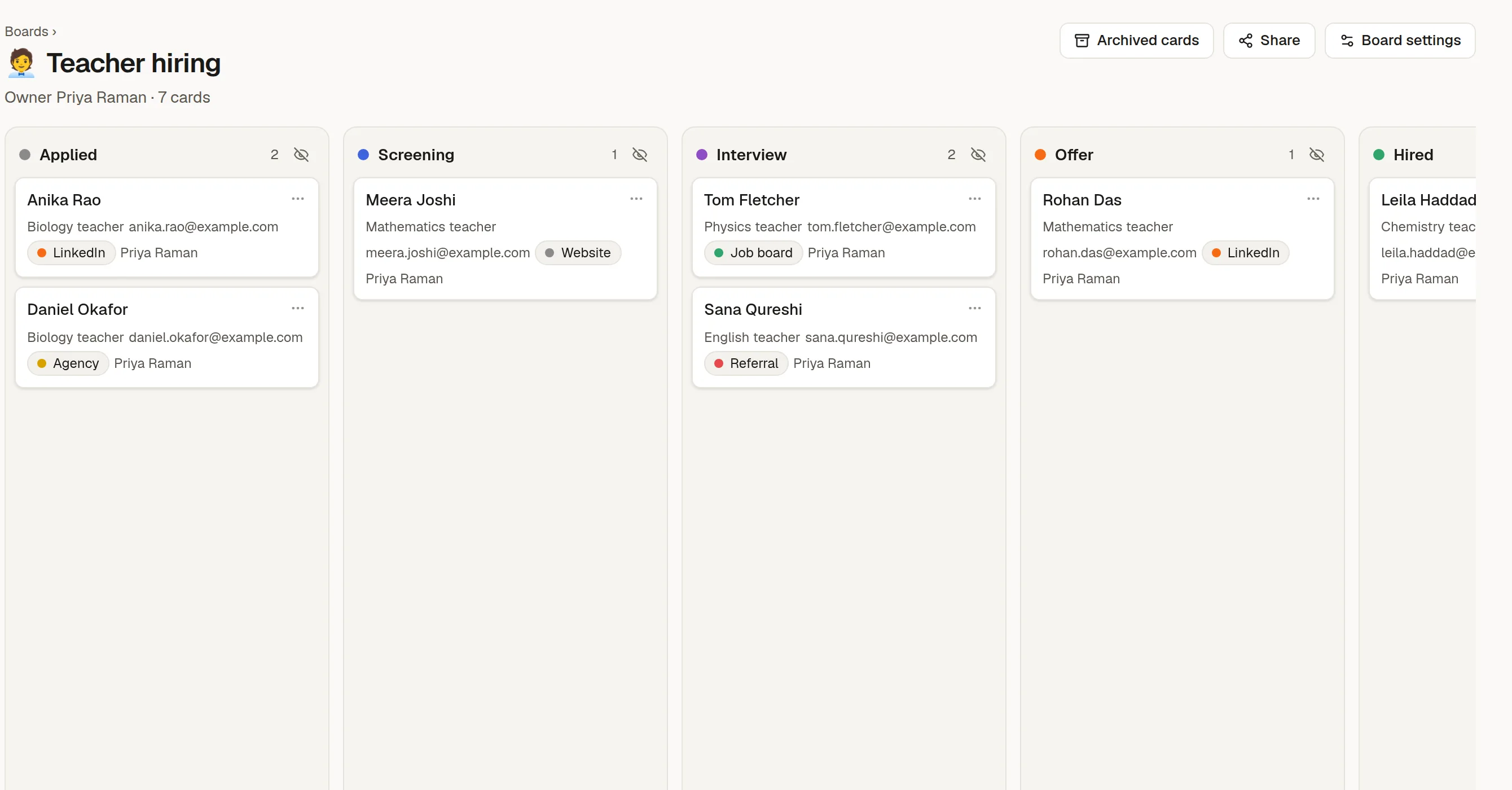
What a board is
The columns are states. You choose their names, colours and order.
A card is a page. It has a body, comments and history like any other page, plus fields such as owner, source or due date.
A board belongs to the person who made it. It is private until you share it.
Cards stay out of the Pages tree. You find them on the board, or in search, where they are labelled Card.
Boards come with some plans only. If you do not see Boards in the rail, ask your workspace owner or administrator.
In this section
➕ Create a board: start blank or from a template.
🃏 Work with cards: add, move, open and archive cards.
🎛️ Board settings: states and fields: change the columns and what each card shows.
🔗 Send responses to a sheet or a board: turn form answers into cards.
🧩 Board templates: your own starting points.