Headings, lists, tables and callouts are the blocks most pages are built from.
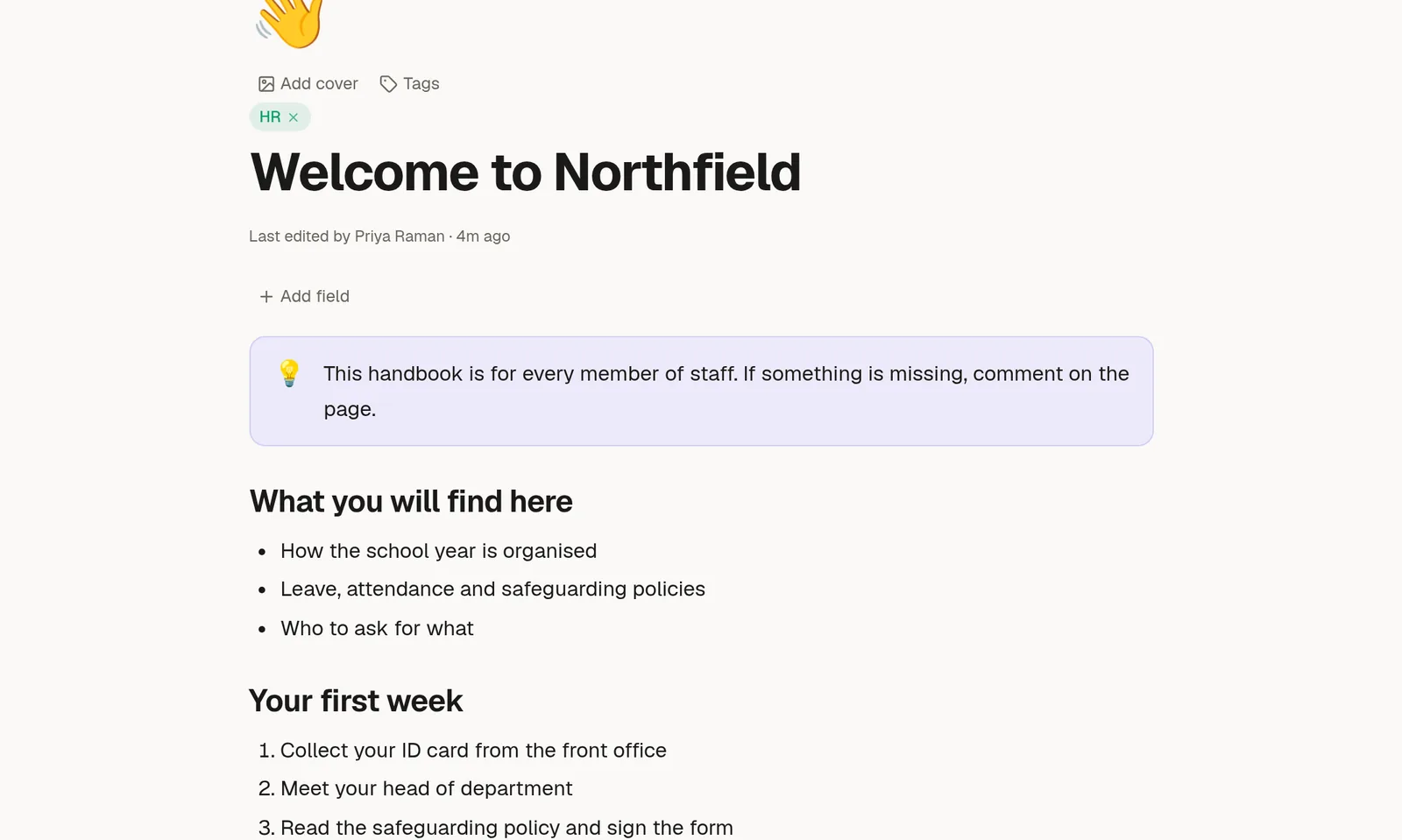
Headings and text
Use Heading 1, Heading 2 and Heading 3 to give a page structure. Type #, ## or ### and a space, or choose them from the / menu. Headings also build the outline that readers see on a published page, so use them in order.
Lists
Bulleted list: type
-and a space.Numbered list: type
1.and a space.To-do list: type
[ ]and a space. Click the box to tick an item off.
Press Tab to indent an item and Shift+Tab to bring it back out. Press Enter twice to end the list.
Quote and divider
Quote sets a passage apart, for example something a customer said. Divider draws a line across the page to separate two parts.
Columns
2 columns and 3 columns place blocks side by side. Put text in one column and an image in the next. On a phone the columns stack under each other.
Tables
Type /table to insert one. While your cursor is inside a table a small bar floats above it:
Rows and Columns open every action for that part: add above or below, move up or down, delete.
Header turns the first row into a header row.
Delete table removes the whole table.
To move a row with the keyboard, press Alt+Shift+↑ or Alt+Shift+↓. A header row stays at the top, and the other rows move between themselves.
Callouts
A callout is a highlighted panel for a tip, a warning or a note. Click its icon to pick an emoji and a colour. There are eight colours: info, blue, teal, success, warning, orange, danger and neutral.
This panel is a callout. Use one when a reader must not miss something.
Code and highlights
Code block keeps spacing and uses a fixed-width font. Select text and use the toolbar to highlight it with a colour.