A project is a set of instructions for chats about one topic, so you do not have to repeat yourself. Every chat you start inside it already knows the background.
Make a project
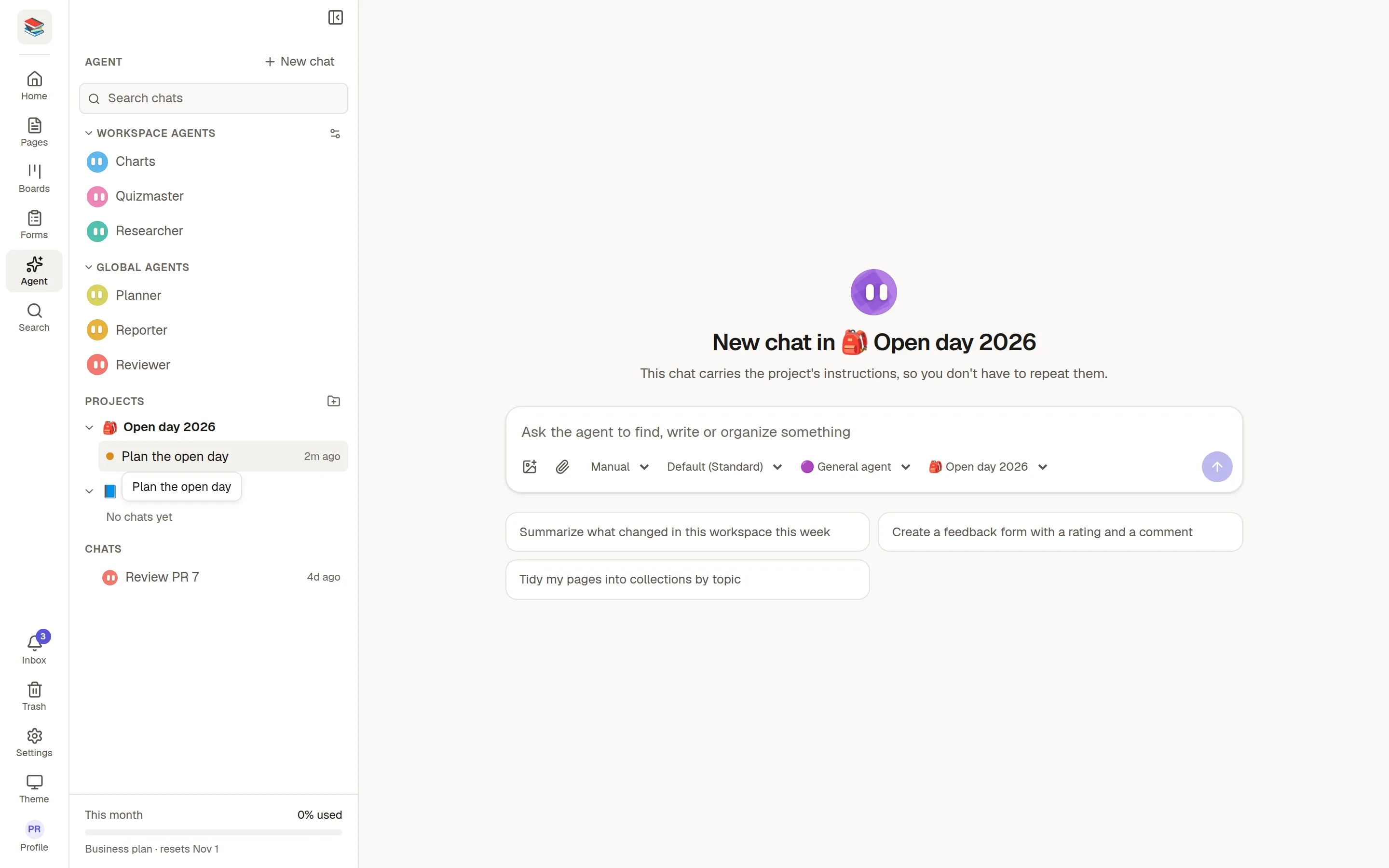
In the Agent panel, click the + beside Projects, give it a name and write the instructions, for example who the audience is, what tone to use and which collection to work in.
Use a project
Click New chat under a project in the panel, or
pick it in the project menu under the message box when you start a chat.
The chat's heading says which project it is in. The instructions apply to every message in that chat, and they also help decide what counts as being on topic.
Good to know
Projects are yours. They are not shared with the rest of the workspace.
Deleting a project keeps its chats. They just no longer have the instructions.
Chats about a single page have their own hidden project, which is how the agent always sees that page.