The basics of the workspace. Owners and admins can change them.
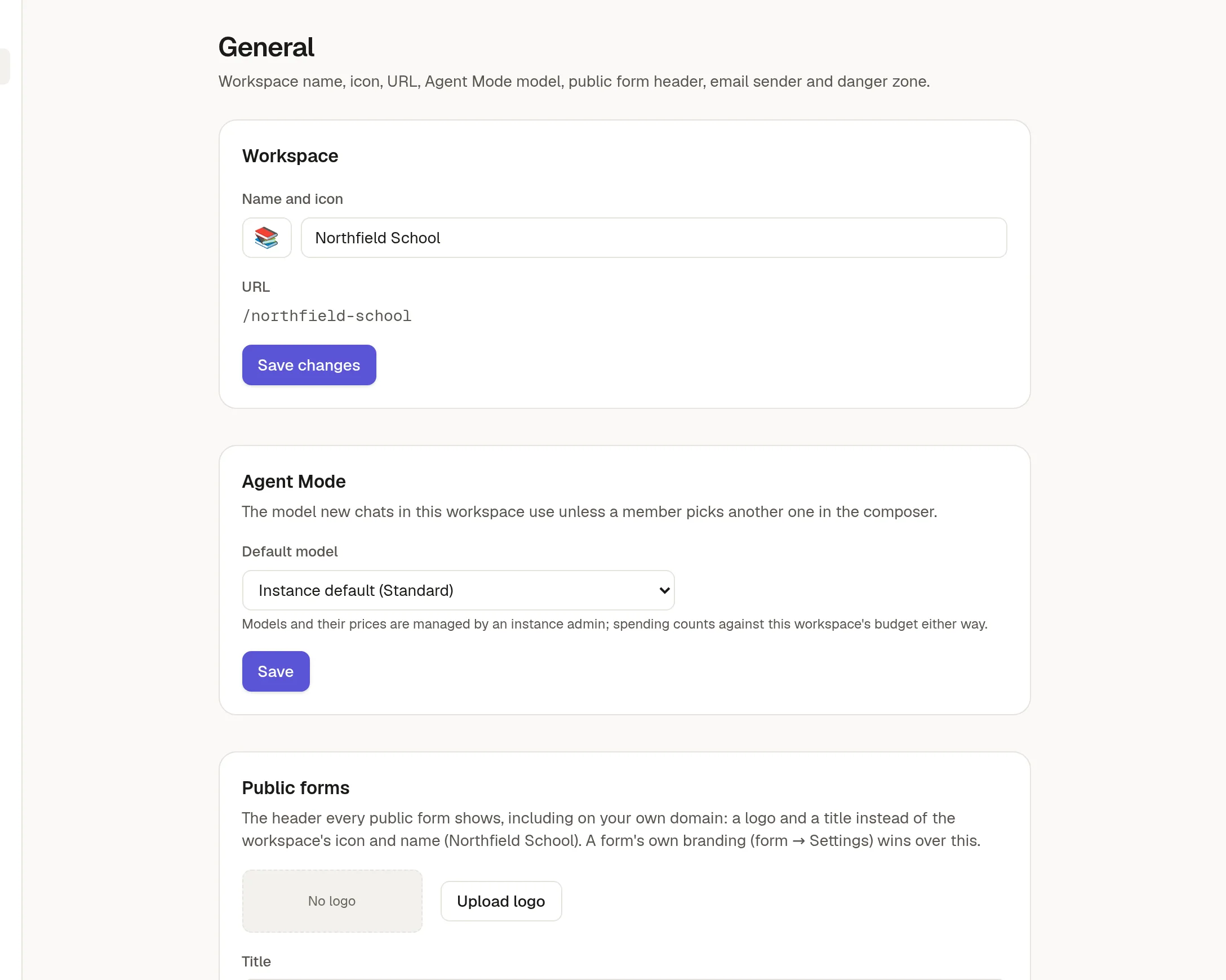
Workspace
Change the name and icon, and the URL, which is the short name in the address (/your-workspace). Click Save changes. Old links keep working after you change the URL's page names, but the workspace's own address changes, so tell your team.
Agent Mode
Default model is the model new chats use unless a member picks another one in the message box. The list shows what your administrator has made available. Spending counts against the workspace's allowance either way.
Public forms
The logo and title shown in the header of your public forms. A form's own 🎨 Brand your form takes priority. If your plan allows it, you can also hide "Powered by NoteMaker" here.
Email sender name
The name people see on emails NoteMaker sends for your workspace, such as invitations and form notifications. The sending address stays the one your administrator configured.
Danger zone
At the bottom of the page are the settings that cannot be undone, such as deleting the workspace. Only owners see them.