Turn notes into practice. A flashcard deck lets you flip through questions and answers. A quiz scores multiple choice questions.
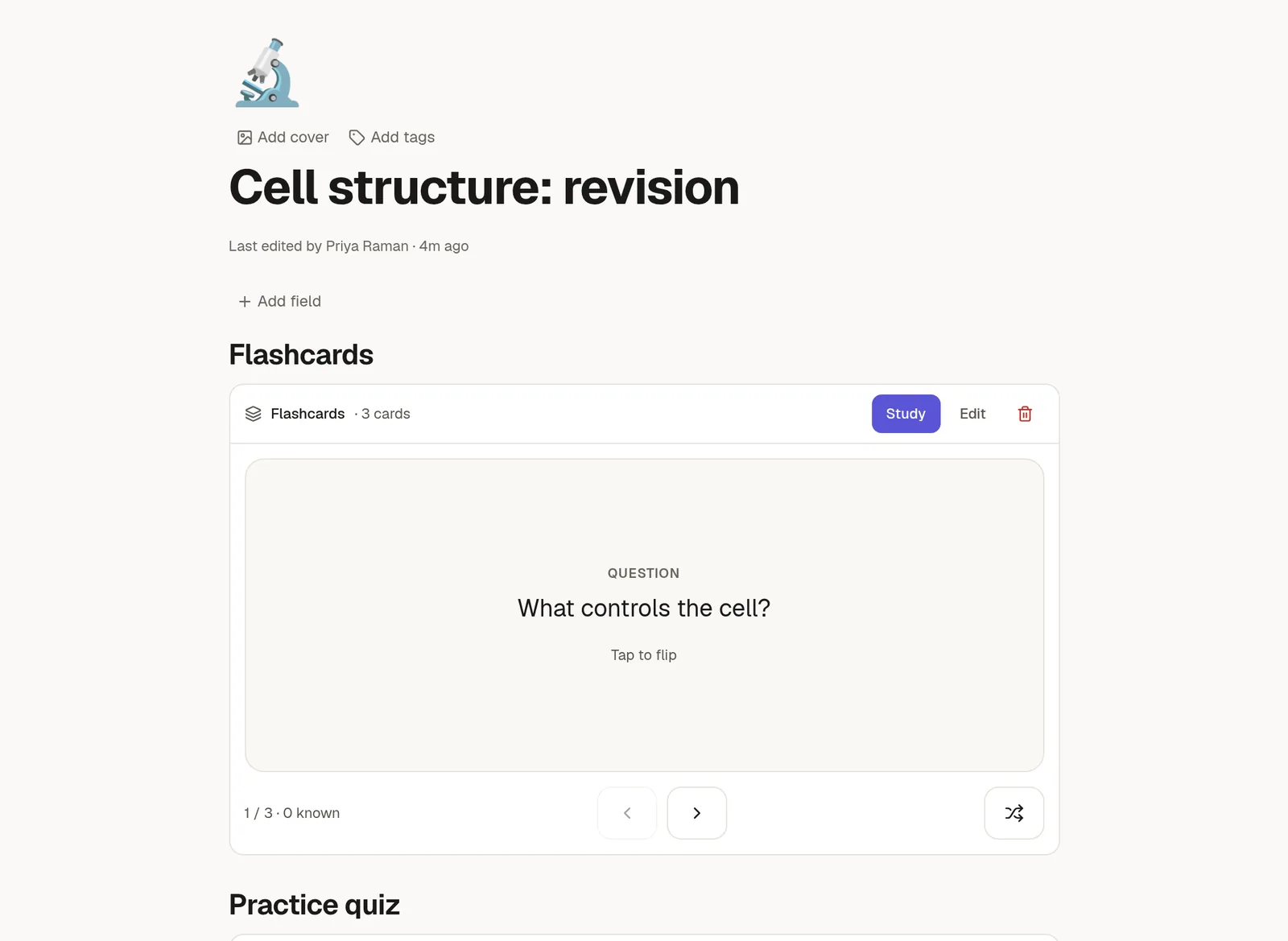
Flashcards
Type /flashcards to add a deck. The block has two modes:
Study shows one big card at a time. Click the card to flip it, then choose Got it or Missed it. You can shuffle the deck. At the end a results screen offers to redo the cards you missed.
Edit lists the cards as rows with a question and an answer. Add or delete rows, or choose Paste many and paste lines in the form
Q: questionandA: answer, orquestion :: answer.
A deck holds up to 200 cards. Both sides are plain text.
Quizzes
Type /quiz to add a quiz. Each question has two to six options and one correct answer, with an optional explanation.
Take shows one question at a time. After you pick an answer the quiz marks it right or wrong and shows the explanation. At the end you see your score and can retry only the questions you missed.
Edit has a radio button next to each option to mark the correct one. Paste many accepts lines starting
Q:, then- [ ]and- [x]for options, andWhy:for an explanation.
A quiz holds up to 100 questions.
A quiz is for practice, not an exam. Your answers are not saved or sent anywhere, and on a published page the correct answers are part of the page source.
Let an agent write them
Ask an agent: "make flashcards from this page" or "write a 10 question quiz on this section". It writes the block straight into the page. See 🔗 Links and mentions.