Forms collect answers from anyone, with or without an account. You design the form, share a link or embed it, and read the responses in NoteMaker.
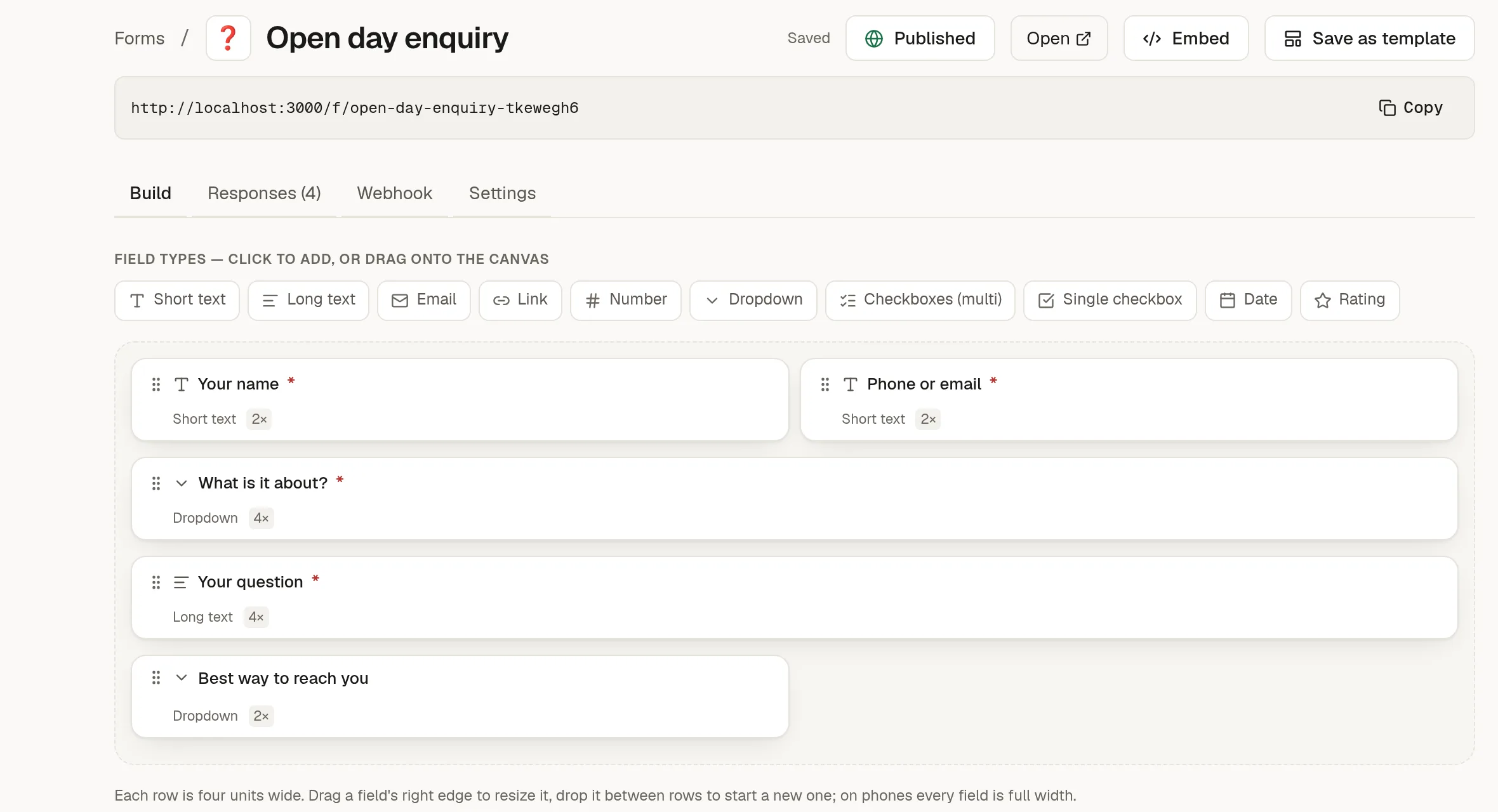
What you can do with a form
Build it by dragging fields into rows, or start from a template.
Share a link, or embed it in a page or website.
Get an email for each response, and send the respondent a thank-you.
Mark responses as handled and keep private notes.
Send every response on to a webhook, a sheet or a board.
In this section
➕ Create a form: blank or from a template.
🧱 Build your form: fields, widths and rows.
🌍 Publish, share and embed a form: put it online.
📥 Read and handle responses: triage what comes in.
✉️ Notifications and thank-you emails: who gets told.
🔌 Send responses to a webhook: connect your own systems.
🎨 Brand your form: your logo and name.
🔗 Send responses to a sheet or a board: keep them in a table or turn them into cards.
Forms belong to the workspace, not to one person. Every member can see a form's responses. Only the form's author and workspace owners and admins can edit, publish or delete it.