You decide how much the agent may do on its own. Reading is always free. Changing your workspace is where approvals come in.
Manual and Auto
Under the message box, switch between:
Manual (the default). The agent reads and searches straight away. Before it writes anything, such as creating or editing a page, it shows what it wants to do and waits.
Auto. It makes ordinary changes without asking.
You can switch at any time, in the middle of a chat.
When it asks
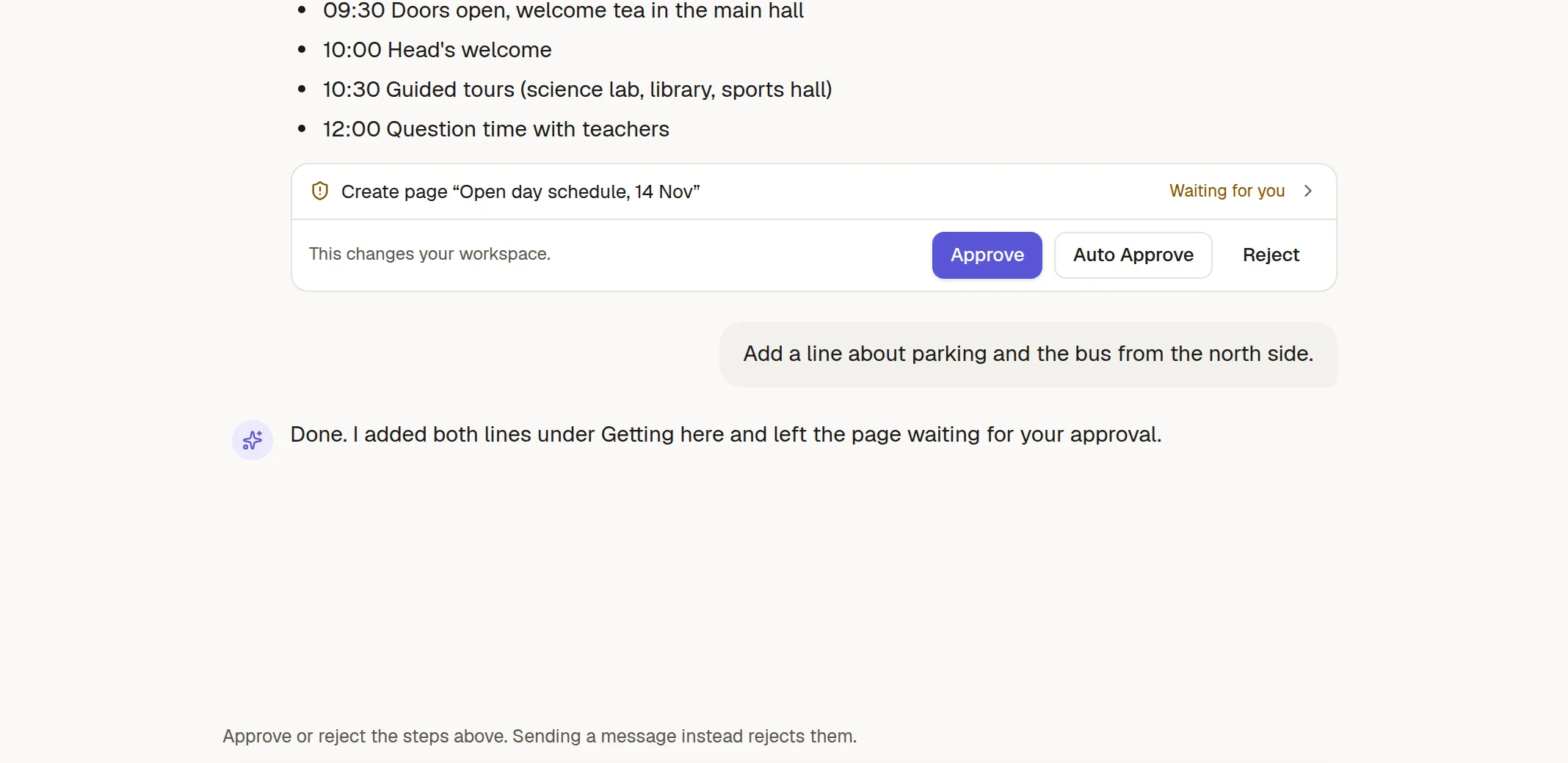
A waiting step shows what it will do and three buttons:
Approve runs this step.
Reject skips it.
Auto Approve runs this step and switches the chat to Auto, so it stops asking. This only ever moves a chat towards Auto, never back.
When several steps wait together you get Approve all. If you send a new message instead, the waiting steps are rejected.
What always asks
Even in Auto, the agent asks before it:
publishes a page or makes something public,
changes who can open something,
moves something to the trash,
uses a tool from an outside connector that your workspace has not marked as trusted.
It can never delete anything permanently.
An agent with only reading tools cannot change anything, even in Auto.