Reorder pages, nest them, or move them to another collection. NoteMaker warns you when a move changes who can open a page.
Drag and drop
In the Pages panel, drag a page and drop it:
on the top edge of another page to place it before that page,
on the bottom edge to place it after,
in the middle to nest it inside that page as a sub-page,
on a collection's name to make it that collection's last page. This works for sub-collections too,
on the Pages heading to take it out of its collection.
A collapsed collection opens by itself when you hold the page over it for a moment. You need edit access to the place you drop into.
Use the menu instead
Every page has a ⋯ menu in the tree and in the page's top bar:
Move up and Move down change its order.
Move out of parent brings a sub-page up a level.
Move to collection… or Move to… picks the destination from a list. This is the way to go on a phone or with a keyboard.
Add an existing page as a sub-page is in the page's menu.
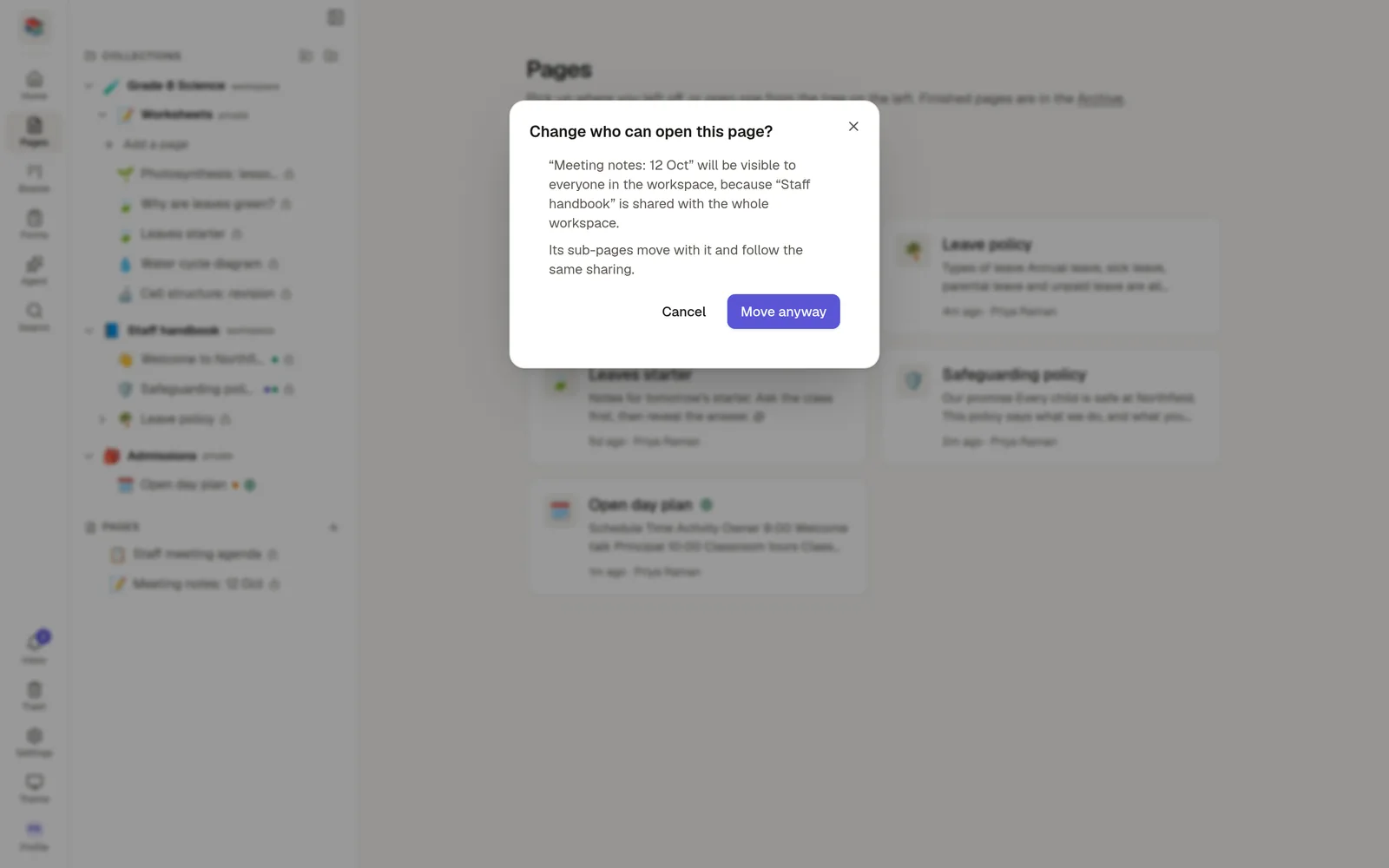
When a move changes who can open the page
A page takes on the sharing of the place it goes to. Moving a private page into a collection shared with the whole workspace makes it visible to everyone in that workspace.
So before such a move, NoteMaker asks: Change who can open this page? It says what changes, for example that more people will see it, and offers Cancel or Move anyway. Moving a page up or down within the same place never asks.
Sub-pages move together with their parent. Their own sharing settings are not compared, so check them if a sub-page was shared on purpose.